Swinsian
The Advanced Music Player for Mac
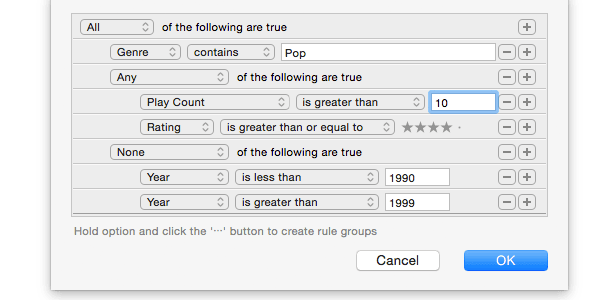
Swinsian is a sophisticated music player for macOS with wide format support, folder watching, advanced tag editing and designed to be responsive even with the largest libraries.
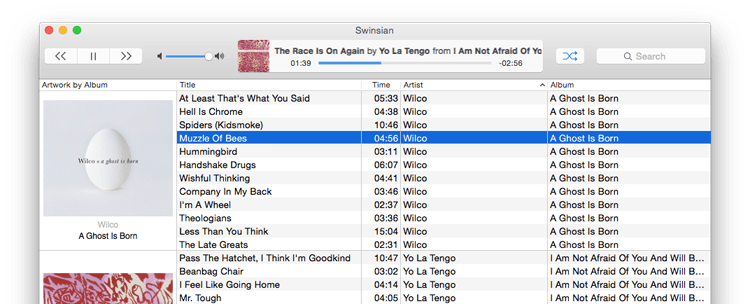
Swinsian is a sophisticated music player for macOS with wide format support, folder watching, advanced tag editing and designed to be responsive even with the largest libraries.

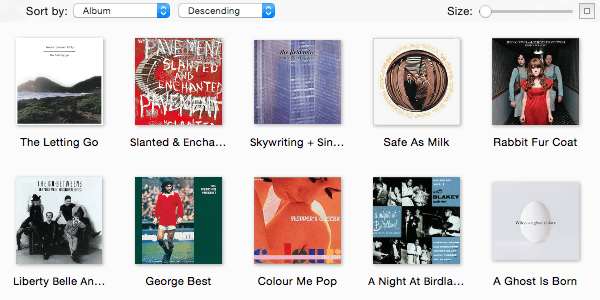
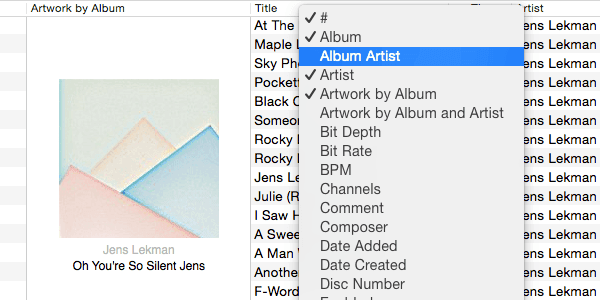
The art grid, column browser and track inspector provide multiple ways to view and navigate your music. They can also be hidden if you prefer a minimal interface.

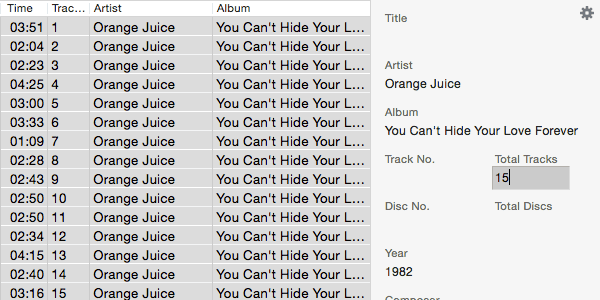
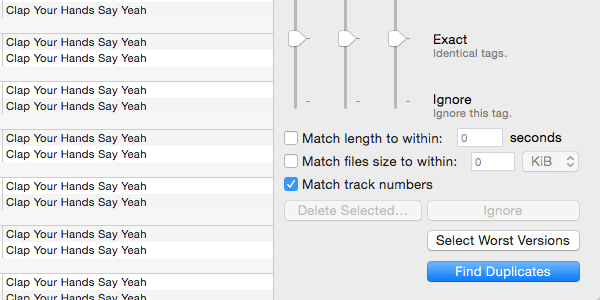
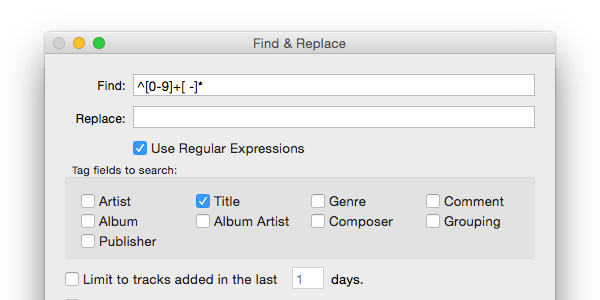
Easily edit tags on multiple tracks at once. Regex compatible find and replace helps you keep your music correctly tagged. The powerful Duplicate Finder helps you find and remove duplicate tracks using flexible criteria to keep your library organised.

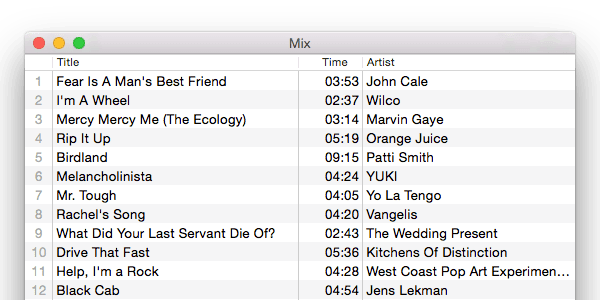
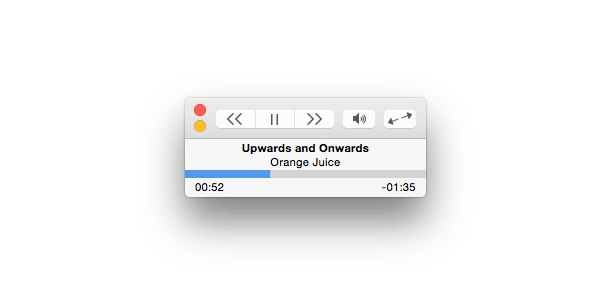
Control playback easily with global shortcuts and the mini window. The customisable desktop art widget can decorate your desktop with details of the music you are listening to.